
The short answer
Sign in to the official MoFA website or UAE MOFA application with UAE Pass. Choose Documents Attestation, enter the true issuing authority, document type and destination, then follow the assigned route. Upload an eligible UAE-issued digital document as its original PDF. A physical or unsupported document normally follows the approved courier route.
Do not upload a photograph or scan as an original digital document. It must be issued electronically by the competent UAE authority with a verifiable QR code, barcode, link or reference number.
First identify the correct document route
First identify the document's origin and format. The Ministry's system decides the processing route from the information entered; applicants cannot simply choose the faster route.
| Your document | Likely starting point | Key check |
|---|---|---|
| Eligible digital document issued in the UAE | Digital Attestation | Use the original PDF, not a scan or photograph |
| UAE-issued paper or unsupported digital document | Courier-based Attestation | Prepare the original and any required prior certification |
| Document issued outside the UAE | Issuing-country and UAE mission route | Complete the competent foreign authority steps requested for that country |
| Commercial invoice or certificate of origin | eDAS 2.0 | Do not submit it as an ordinary certificate |
Supported types currently include certain UAE-issued digital birth, death and police clearance certificates. The available list may expand, so rely on the live portal rather than an old checklist.
Before you open the application
Prepare the following information so the details remain consistent throughout the submission:
- your UAE Pass access;
- the document's exact issuing authority and type;
- the country in which the document will be used;
- the document holder's details exactly as written;
- an active email address and mobile number;
- an electronic payment method;
- the original digital PDF or physical original, depending on the assigned route; and
- a legally certified translation if the original is not in Arabic or English and the Ministry requires one.
Courier processing requires an original in Arabic or English, or a legally certified translation. The original must carry any required prior certifications and must not be laminated.
How to apply through the MoFA portal
1. Sign in with UAE Pass
Open Documents Attestation on mofa.gov.ae or use the UAE MOFA application. Individuals use UAE Pass. Non-residents may be able to register, subject to the options available.
2. Select Documents Attestation
Choose the service for official documents and certificates. Commercial invoices and certificates of origin use the separate eDAS 2.0 service. Therefore, placing them in the general certificate category may delay or invalidate the application.
3. Enter the document origin accurately
Confirm whether the document was issued inside or outside the UAE. Then select the actual issuing authority and document type. Do not select a similar authority merely to unlock a different option. The Ministry warns that incorrect or mismatched information can lead to automatic rejection.
For a document issued abroad, prior authentication may be required in the issuing country before the UAE stage. The exact chain varies by jurisdiction and document type. Read the relevant UAE Embassy attestation requirements before treating a foreign document as ready for final submission.
4. Enter the destination country
The country where the document will be used affects the available completion options. For some UAE-issued documents going abroad, the service may offer Ministry attestation alone or a combined route that also includes the relevant UAE mission in the destination country.
Confirm the destination before submission. The Ministry states that it cannot be changed after the application is submitted.
5. Follow the assigned digital or courier route
For Digital Attestation, upload the original electronic PDF issued by the authority. It must open correctly, be complete and unaltered, contain its verification feature, and not be password-protected. A scan, phone photograph or manually created PDF is not an original digital document.
For courier-based processing, enter the requested contact and delivery details, choose an approved provider and available collection schedule, then keep the physical original ready. The courier collects and returns the document according to the selected service.
6. Review every field before payment
Compare the holder's name, issuing authority, document type, destination and uploaded file with the original. Applications cannot be edited after submission. If an essential detail is wrong, a new application may be required.
7. Pay and retain the reference
The total appears before payment and depends on the number and category of documents, the assigned completion method and any mission or courier components. Keep the receipt and application reference. They are needed to track the request or contact support.
If you prefer an agency to check readiness and coordinate submission, the separate MoFA attestation service page covers that transactional option. This guide remains focused on the official self-service process.
Official fees and processing times
The Ministry's fee guide lists AED 150 per personal or educational certificate and AED 2,000 per commercial certificate in common categories. Courier charges, UAE mission fees, translation and other route-specific costs may be added. Always use the total displayed in the live application because fees depend on the selected journey.
Current official service targets distinguish between routes:
- eligible UAE-issued digital documents: within two hours during official working hours; and
- attestation through an approved courier provider: one to three business days, depending on the provider and location.
These are service targets, not guarantees for the entire legalisation chain. Prior certification, translation, foreign authority processing, incorrect details or courier availability can extend the overall time.
Common rejection causes and practical fixes
A scan was submitted as an original digital file
Fix: obtain the original electronically issued PDF containing the authority's verification feature. If the document is physical, enter its details honestly and follow the courier route assigned by the system.
The issuing authority or document category is wrong
Fix: use the authority printed on or embedded in the document. Do not choose a substitute category. If the correct option is unavailable, use the guidance offered in the application or contact MoFA support.
Application details do not match the document
Fix: reproduce names and document information exactly. Check spelling, order, numbers and dates before payment. Do not silently amend a certificate or alter its PDF.
A foreign document lacks prior authentication
Fix: confirm the chain required in the issuing country. Depending on the jurisdiction, this may involve a notary, competent authority, foreign ministry or UAE mission. An apostille and consular legalisation are different systems; review the document's country and destination before following any apostille guidance.
The original is laminated, altered or incomplete
Fix: obtain an acceptable replacement or unlaminated original from the issuer. Include every page and ensure stamps, signatures and verification marks are clear.
The document needs translation
Fix: provide a legally certified Arabic or English translation when required. Check whether the translation must be attached before or after a particular certification step, because the order can matter.
How to check and verify the result
Track the application through My Requests using the retained reference. An eligible digitally attested document is delivered by email or made available for download. A courier-based original is returned through the selected provider.
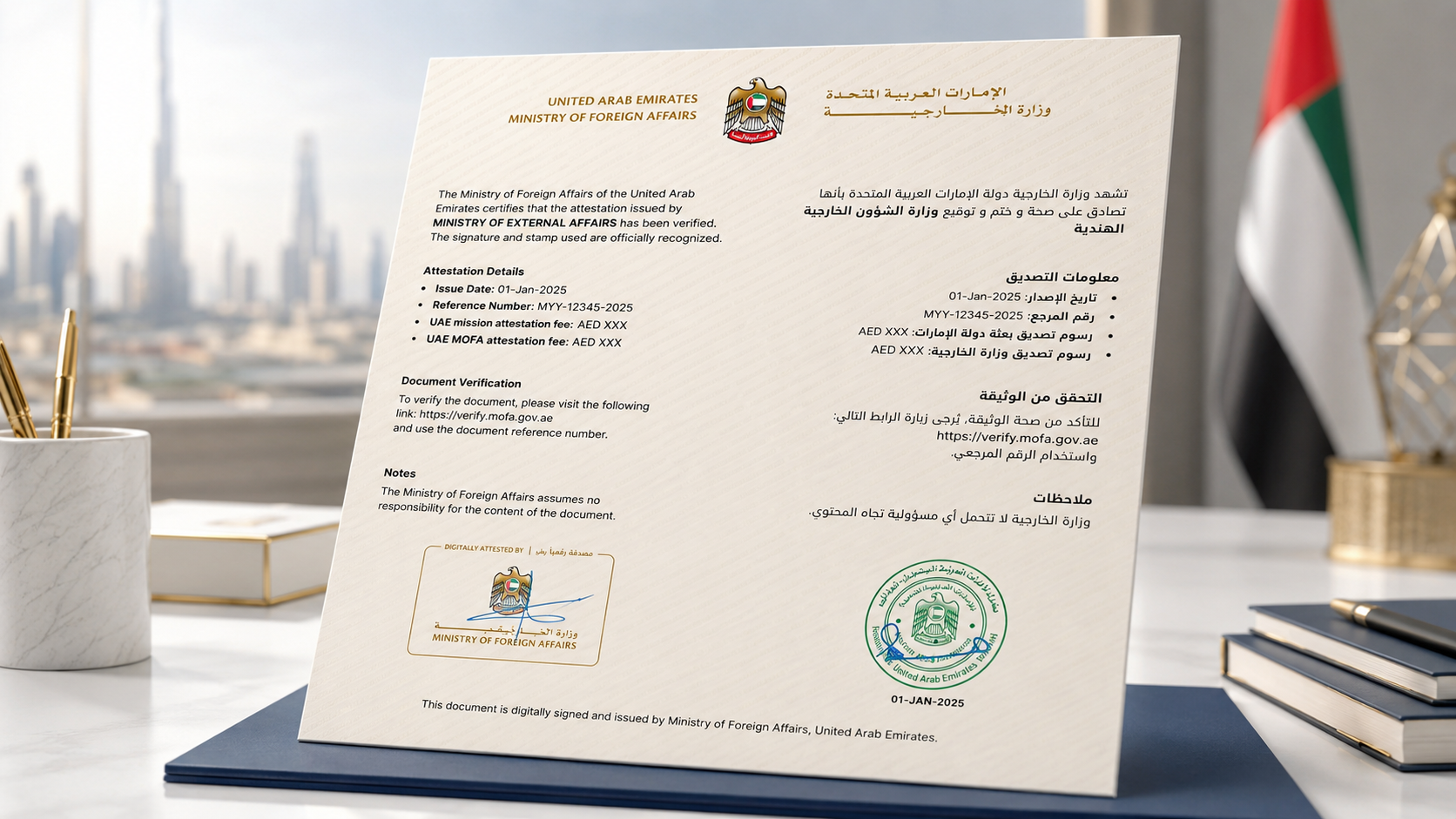
Open the complete final file and check the attestation page, reference number, date and verification element. The official verify.mofa.gov.ae platform can confirm the authenticity, integrity and current status of a Digital Trusted Document. Use the reference number and issued date or the available verification feature. If the document is incomplete, download the latest version again before contacting Ministry support on 800 44444.
Final checklist
Before submitting, confirm that:
- the document origin, authority and type are correct;
- the destination country is final;
- names and identifying details match the document;
- the uploaded file is an original digital PDF when using Digital Attestation;
- a physical original is ready when the courier route applies;
- required prior certifications and translations are complete;
- the document is complete, unaltered and not laminated;
- the payment total and chosen completion option are understood; and
- the receipt and application reference will be retained.
The safest application is an accurate one. Let the official system determine the route, review every entry before payment, and verify the completed document before presenting it to the receiving authority.